Evidence: Independent analysis Last checked: August 22, 2026
Editorial note: Lens InsiderS has not verified an active affiliate relationship with GlassesUSA. No delayed order, carrier case, or support response was tested. This guide interprets public process information and does not identify the cause of an individual delay.
Short answer
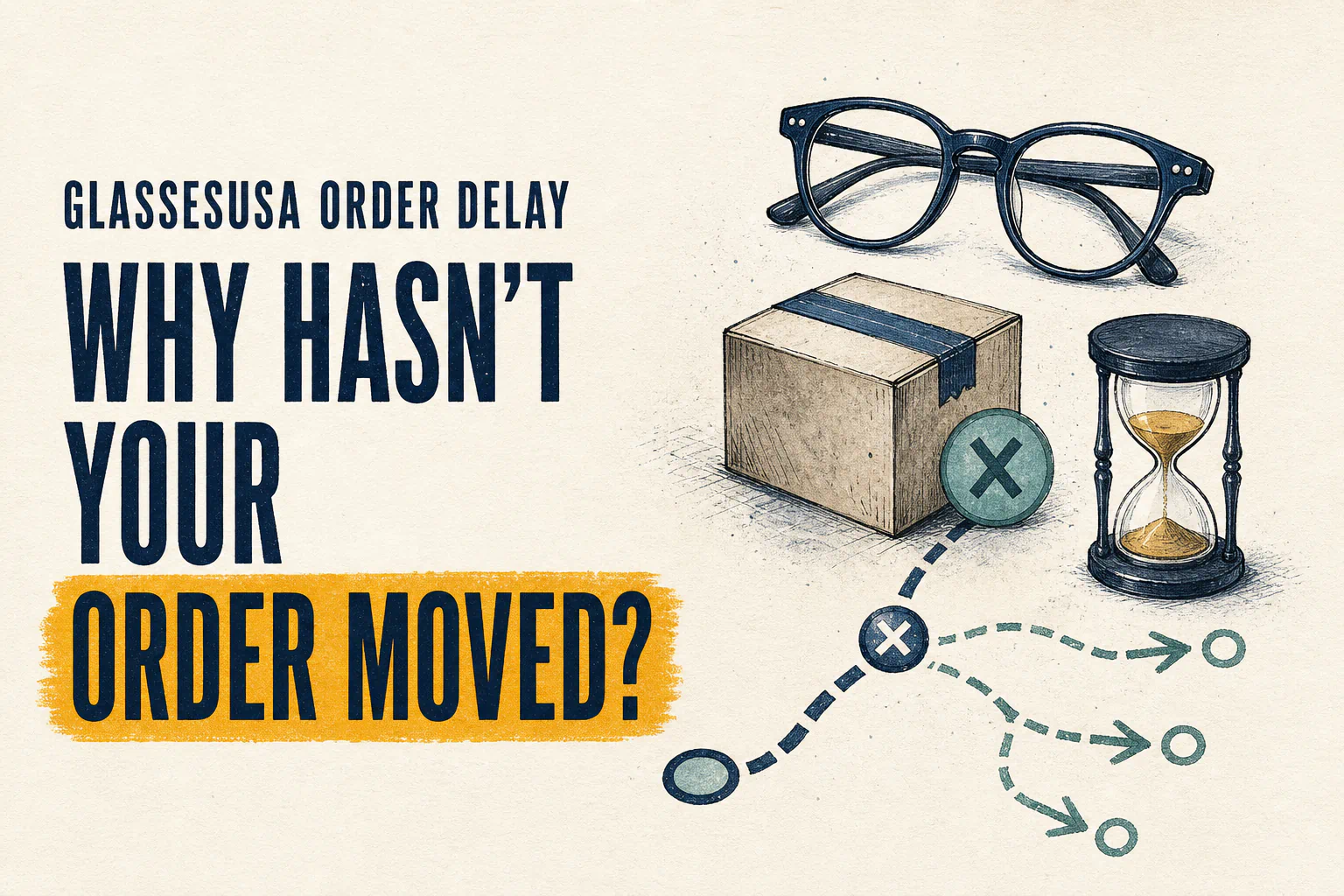
A GlassesUSA order can appear delayed before shipping because required prescription information or lens production is still pending, or after shipping because a label has not received a carrier scan, transit is interrupted, or delivery needs attention. First compare the current status with the order-specific estimate—not just the shipping-method window. Then collect the order number, dates, status screenshots, and tracking scans before contacting the responsible party.
How this guide was evaluated
This article maps the official GlassesUSA production/shipping estimate framework, prescription-upload route, order-status fast action, address-change limit, and next-day terms into a troubleshooting sequence. The possible causes below are diagnostic categories, not claims about GlassesUSA’s internal operation or a particular carrier.
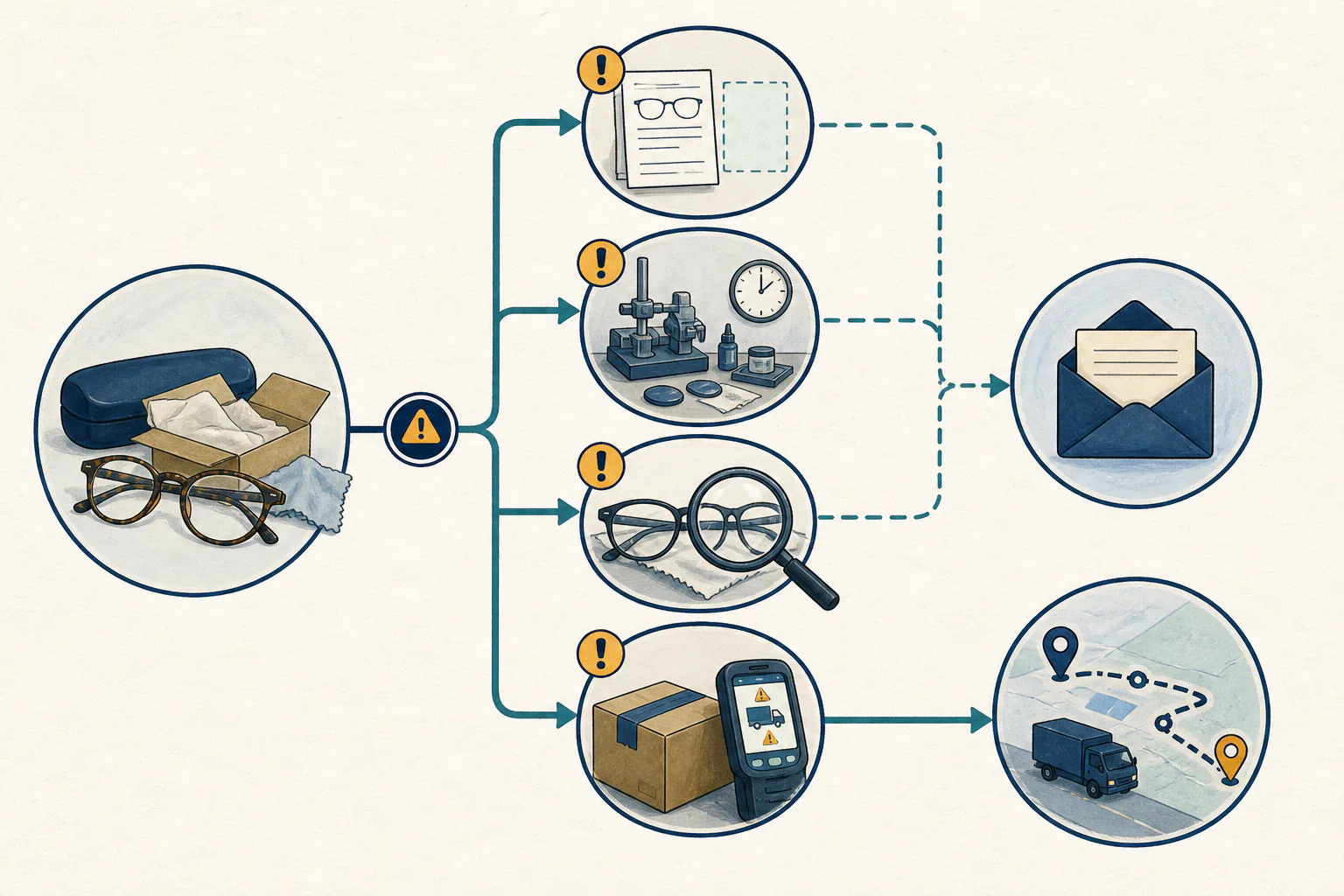
First identify where the order is stuck
| What you can see | Likely stage | What to check next | Who has the most useful record |
|---|---|---|---|
| No confirmation or order number | Payment/confirmation | Payment status, spam folder, email spelling, resend-confirmation option | GlassesUSA/payment provider |
| Waiting for information | Order readiness | Prescription upload, legibility, requested detail | GlassesUSA |
| In production | Lens preparation | Order-specific estimated date and any retailer message | GlassesUSA |
| Tracking number but no physical scan | Handoff | Label creation time versus carrier acceptance scan | GlassesUSA first, then carrier when possession is shown |
| Carrier scans moving slowly | Transit | Latest scan, exception, weather/operations notice, address | Carrier |
| Out for delivery/attempted | Final delivery | Access, recipient, safe location, attempted-delivery notice | Carrier and recipient |
| Marked delivered but missing | Post-delivery exception | Address, household/building receipt, delivery details | Carrier and GlassesUSA under their procedures |
This table is a triage tool. A label number by itself does not prove that the carrier has physically received the package.
Step 1: rebuild the expected timeline
Find the order confirmation, displayed delivery estimate, selected shipping method, and any revised messages. GlassesUSA says timing varies by prescription and shipping method (Glasses Shipping and Production Timetable).
The retailer separately lists U.S. shipping estimates of Standard 7–10, Expedited 5–7, and Express 3–5 business days (shipping-method guidance). Those figures describe shipping choices; they should not automatically be counted from the payment timestamp as the complete production-plus-delivery period.
For a full explanation, see how long GlassesUSA takes after payment.
Step 2: check whether the order has all required information
GlassesUSA says customers can upload a clear prescription after placing an order and connect it to the current order so production can begin (prescription upload). Check whether the correct eyeglass prescription was actually uploaded and whether the retailer requested clarification.
Do not apply contact-lens verification times to an eyeglasses order. No fixed eyeglasses information-review SLA is claimed here.
Step 3: distinguish production from carrier transit
If the status remains in production, the retailer—not the carrier—has the relevant production record. Ask whether information is missing and request the current order-specific estimate. Do not invent “normal” production days from forum anecdotes or another customer’s lens package.
If tracking shows carrier acceptance and movement, use the carrier’s scans and exception information. A retailer shipping estimate cannot rule out a later carrier delay.
Step 4: use the order-status record
The GlassesUSA Help Center provides a Track Your Order fast action and lists order update/support routes (GlassesUSA Help Center). Use the email associated with the purchase and the order number from the confirmation. Capture the result with a timestamp before escalating.
Prepare an escalation packet
Prepare one concise packet:
| Field | Record |
|---|---|
| Order number and checkout email | |
| Payment/confirmation date and time | |
| Prescription upload date and evidence | |
| Original order-specific delivery estimate | |
| Current order-status wording and timestamp | |
| Shipping method selected | |
| Tracking number and carrier | |
| Label-created timestamp | |
| First carrier acceptance scan | |
| Latest scan, location, and exception | |
| Correct shipping address confirmed | |
| Requested resolution | Updated estimate / information needed / trace / other |
A focused record is more useful than “Where is my order?” because it shows which clock may have stopped.
When should you contact GlassesUSA?
Contact the retailer when required information is unclear, production exceeds the order-specific estimate, no revised estimate is available, tracking exists without evidence of carrier possession, the address in the order is wrong, or the carrier directs you back to the shipper.
If the address is wrong, act immediately. GlassesUSA says it may change an address only in earlier production stages and cannot do so once the order ships (address changes). Follow the dedicated change-or-cancel workflow.
When should you contact the carrier?
Use the carrier’s process when tracking shows physical acceptance and a transit or delivery exception. Have the tracking number, last scan, delivery address, and any attempted-delivery information ready. Do not assume the carrier can change the address or open every claim directly with the recipient; follow the applicable carrier and retailer instructions.
What if an eligible next-day order was late?
GlassesUSA publishes specific eligibility conditions for next-day service and says it refunds that shipping charge when the eligible order does not arrive on time (Next-Day Shipping). Save proof that next-day appeared for and was purchased on the exact order, along with its terms and scans. Do not extend this remedy to ordinary Standard, Expedited, or Express estimates.
Strengths and limitations
Potential strengths: the process exposes an order-status route, confirmation identifiers, and carrier tracking after shipment.
Limitations: public pages cannot diagnose an individual production issue; tracking events can lag; carrier and retailer responsibilities change at handoff; no general backorder or delay-resolution SLA is published in the sources reviewed.
Best for / not ideal for
Best for: shoppers who saved the checkout estimate, can identify the exact stage, and submit a documented question to the party holding the relevant record.
Not ideal for: relying on a generic shipping window, social-media anecdotes, or repeated support contacts without the order number and timeline.
Alternatives and risk reduction
- Keep functional backup eyewear for essential work, driving, or travel.
- If a firm date matters, compare a local provider’s order-specific completion commitment before purchase.
- Do not drive in glasses that do not provide safe, clear vision. Sudden vision loss, pain, flashes, new floaters, or double vision needs appropriate professional assessment, not shipping troubleshooting.
Official GlassesUSA resource
Non-affiliate editorial link: Open GlassesUSA’s official order-status page, then complete the escalation packet before requesting an update.
Primary sources
- GlassesUSA: Glasses Shipping and Production Timetable
- GlassesUSA: Can I change my shipping method?
- GlassesUSA: How can I send in my prescription?
- GlassesUSA Help Center and Track Your Order action
- GlassesUSA: Can I change my shipping address?
- GlassesUSA: Next-Day Shipping
Sources and further reading

About Ho Truong
Ho Truong is a trained optician at a family optical practice established in 1991. Lens InsiderS explains lens design and fitting choices for buyers. It does not diagnose eye conditions or replace an eye examination.