Evidence label: Independent analysis Last checked: October 11, 2026
Editorial note: This independent analysis is based on Zenni’s published Workspace, progressive-lens, and return guidance. No lenses were ordered or worn for this article, and no affiliate or tracking link is included.
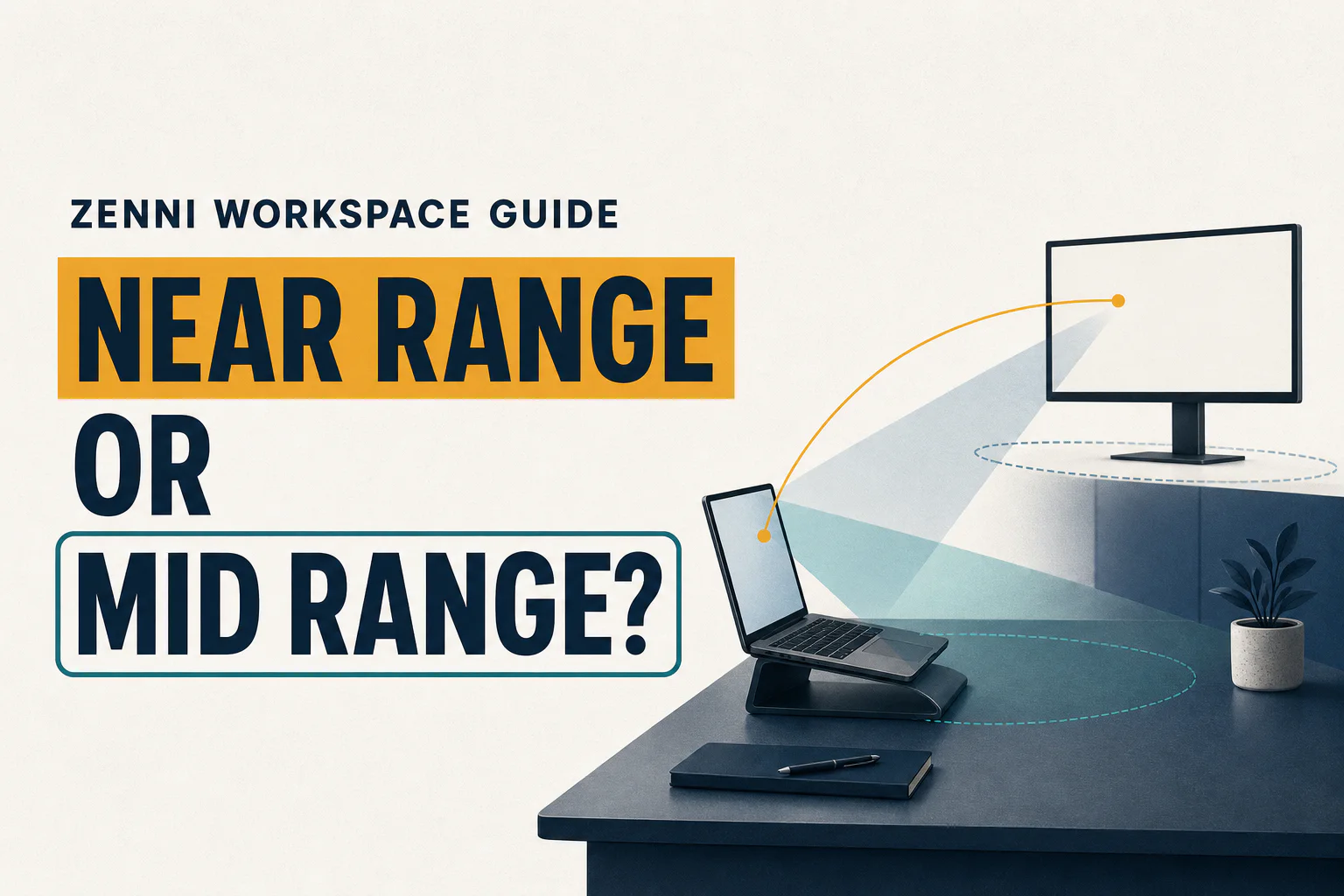
Your laptop may be two feet away, but a coworker, wall display, or TV may be ten feet away. Choose a Workspace design around the farthest target that must stay clear—not just the closest screen.
Short answer
Zenni Near-Range Workspace Progressives are designed for tasks within approximately 3 feet, while Mid-Range extends to approximately 14 feet for a desk plus room-scale targets. Measure every essential screen and object from your normal eye position. Choose Near-Range only when the whole working envelope fits inside its range; choose Mid-Range when an across-room target matters. Neither design is intended for driving.
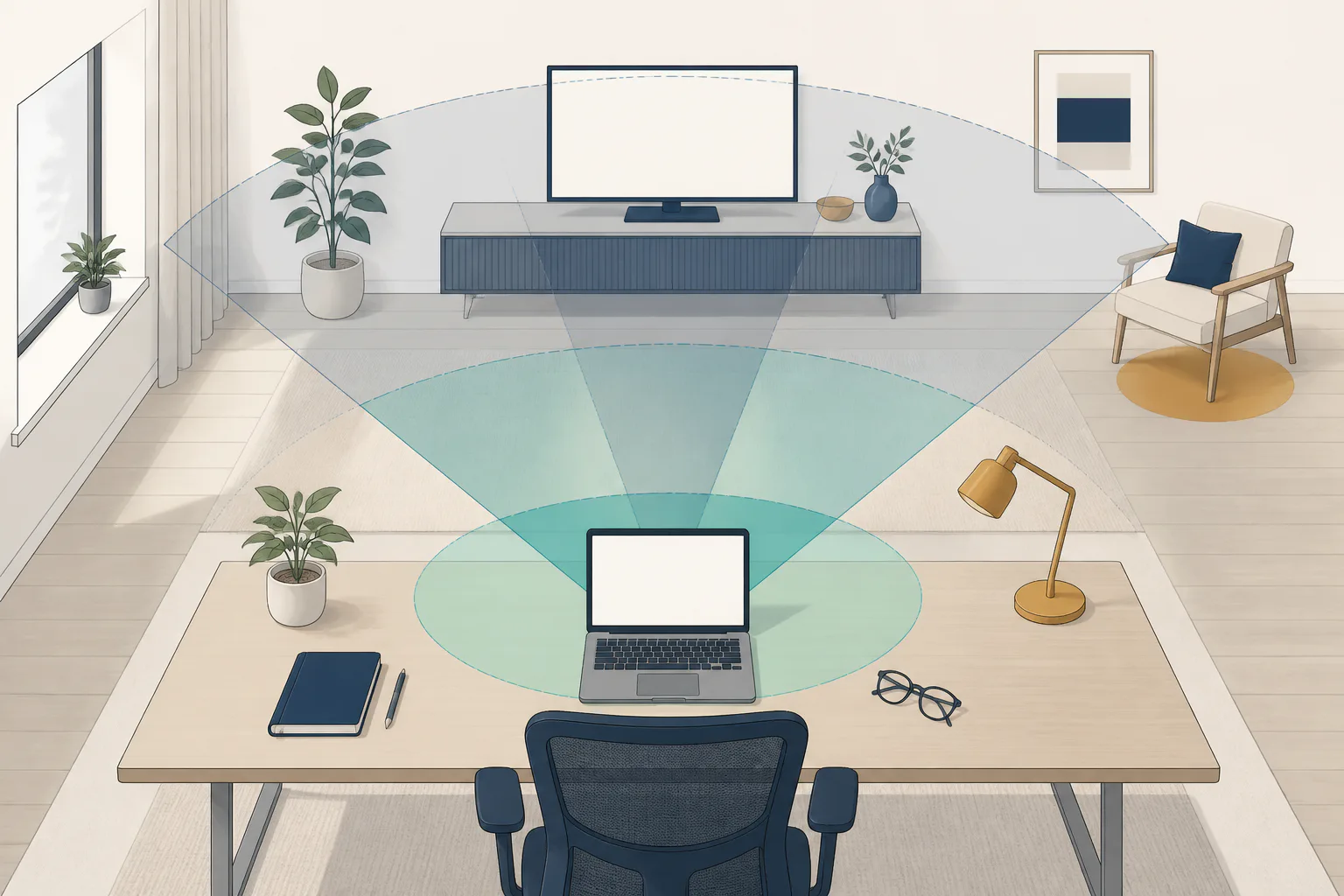
Current source conflict: Zenni’s main progressive page describes Mid-Range as reaching about 14 feet, while its separate progressive-tips page currently describes Mid-Range as up to 10 feet. Treat both as retailer-published guidance, verify the exact range shown for the selected product and market at checkout, and do not present either number as a universal optical limit.
How this Workspace comparison was evaluated
I reviewed Zenni’s official Workspace and progressive-lens guidance and compared Near-Range with Mid-Range by the farthest target a wearer needs to see clearly. This is a task-distance comparison, not a hands-on retailer review or wear test.
Main findings
Zenni describes Near-Range Workspace Progressives as providing clarity within about 3 feet for prolonged reading, handheld devices, detailed work, and close computer use. Mid-Range is described as reaching about 14 feet, with more room-scale vision for meetings, TV, computer work, and movement around an office (Zenni Workspace Progressives).
Zenni instructs buyers to enter the regular progressive prescription, PD, and NV-ADD rather than converting the prescription themselves. It also states Workspace progressives do not provide the distance vision needed for driving.
Decision table
| Farthest essential target | First option to investigate | Tradeoff |
|---|---|---|
| Phone, documents, laptop, or monitor all within 3 ft | Near-Range | Prioritizes a close envelope; room targets beyond the range are not its job. |
| Monitor plus coworker, whiteboard, TV, or room target within 14 ft | Mid-Range | Extends usable range but remains an indoor task design. |
| Road, outdoor navigation, or targets beyond the room | Standard or Premium all-distance progressive | Workspace is not a distance or driving pair. |
Standard and Premium are context options only: both are Zenni’s distance-capable progressive categories; Premium is the retailer’s wider-zone upgrade. For the broader lens-category decision, see the Lens InsiderS Zenni progressive-lenses analysis.
Measured-distance worksheet
Measure from the bridge/eye position in normal posture.
| Essential target | Normal distance | Must remain clear continuously? | Near-Range ≤3 ft? | Mid-Range ≤14 ft? |
|---|---|---|---|---|
| Phone/book | ||||
| Laptop | ||||
| Primary monitor | ||||
| Secondary/top monitor | ||||
| Coworker/visitor | ||||
| Whiteboard/TV | ||||
| Doorway/room movement |
Circle the farthest “yes” target. If it exceeds 3 feet but stays within 14, Mid-Range is the better category to investigate. If it exceeds 14 feet or includes driving, retain distance-capable eyewear.
Progressive-order essentials
Supply a current eyeglass prescription, ADD, and an actual PD—preferably monocular when available. Confirm adequate frame/lens height, stable fit, the retailer’s segment-height method, and return/remake terms. Zenni says it does not offer custom segment height and calculates it from frame style and lens height (Zenni progressive tips). PD is horizontal information and does not replace vertical fitting or stable frame position.
Pros and limitations
Near-Range
Pros: clear, bounded close-work purpose; prioritizes desk/handheld tasks. Limitations: about 3-foot maximum; unsuitable when room targets are essential; not for driving.
Mid-Range
Pros: covers the desk and more of a room up to about 14 feet. Limitations: still lacks true distance function; not a substitute for all-day outdoor/driving glasses.
Best for / not ideal for
Best for: wearers with repeatable, measured indoor tasks and separate distance-capable eyewear.
Not ideal for: drivers, people whose targets frequently exceed the selected range, or wearers needing custom on-face segment height after previous fitting failures.
Return and remake considerations
Zenni currently offers a refund path within 14 days of delivery and store credit within 30 days, subject to authorization and conditions. Manufacturing-error claims may be inspected within the warranty period (Zenni Warranty & Returns). Measure and test the intended targets immediately; do not let the refund deadline pass while informally “trying to adapt.”
Do not use Workspace lenses for driving. Persistent blur, headaches, double vision, pain, or sudden visual changes should be assessed by an appropriate eye-care professional rather than managed by changing the prescription yourself.
Alternatives
- Single-vision computer lenses for one dominant distance.
- Standard/Premium progressives when distance must remain available.
- In-person occupational fitting for custom height, unusual posture, or complex prescriptions.
Compare the optical tradeoffs in the guides to progressive lenses for computer work, computer glasses for dual monitors, and office lenses versus everyday progressives.
Primary sources
Sources and further reading

About Ho Truong
Ho Truong is a trained optician at a family optical practice established in 1991. Lens InsiderS explains lens design and fitting choices for buyers. It does not diagnose eye conditions or replace an eye examination.