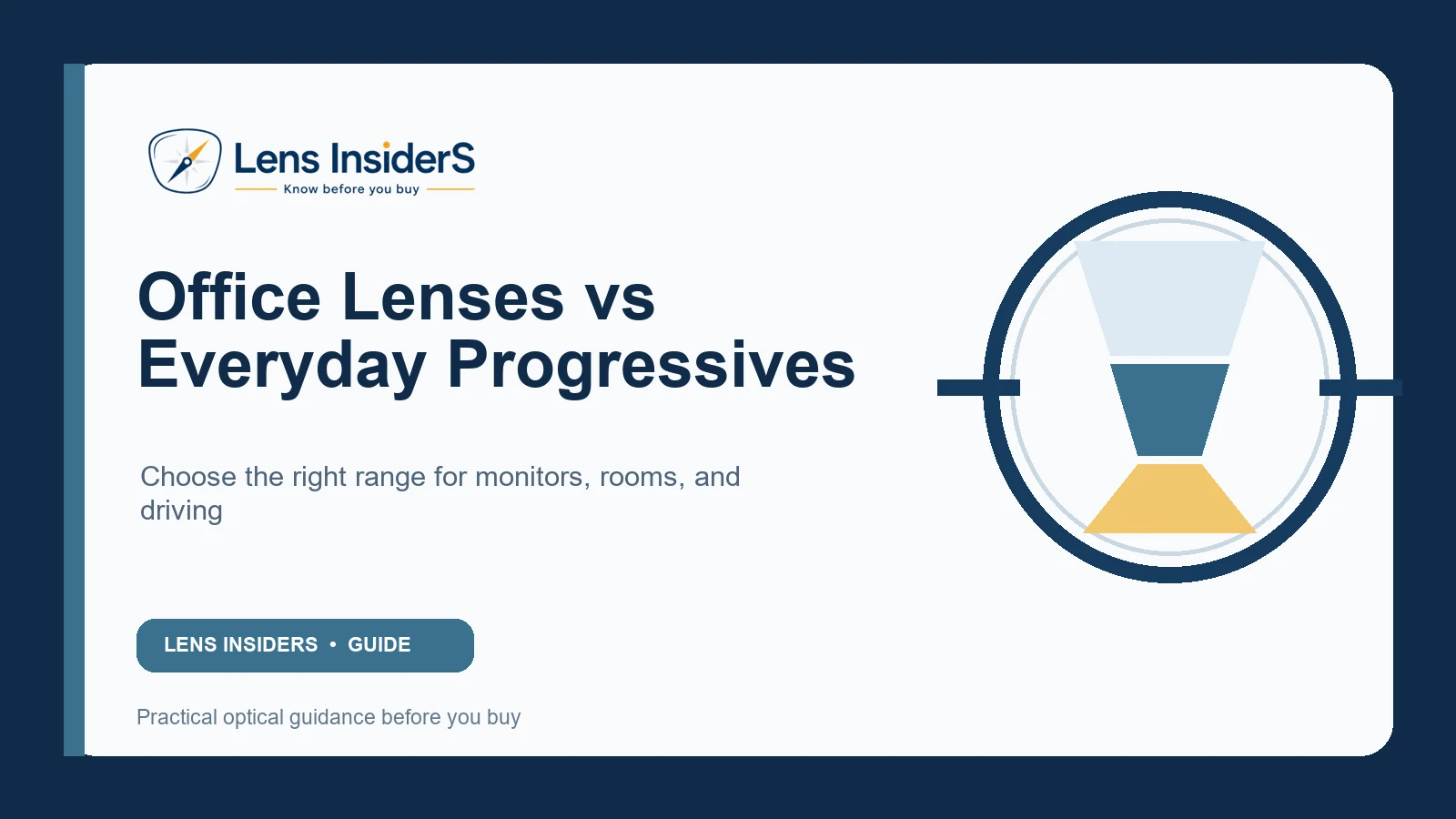
An all-day progressive is built to reach driving distance, screen distance, and reading distance in one lens. An office lens gives up some or all far-distance vision to make the desk and room zones more useful.
Quick answer
Choose a general-purpose progressive if you need one pair for walking, driving, conversation, screens, and reading. Consider an office lens if most of your day is spent at a desk and the intermediate zone of your progressives feels too narrow. Office lenses are usually a second pair and should not be used for driving unless the exact product is specifically approved for that distance.
Office lenses vs everyday progressives
| Feature | Everyday progressive | Office/occupational lens |
|---|---|---|
| Maximum clear distance | Far distance, including driving if vision is adequate | Usually limited to a selected room distance |
| Intermediate width | Compromised by the need to include full distance | Typically wider for monitor and room tasks |
| Near area | Useful but can be relatively narrow | Often generous for documents and devices |
| Head posture | May require chin lift at a high monitor | Can support a more neutral posture when prescribed for the setup |
| Walking/driving | Designed for all-day mobility | Not a driving lens; distance limitation must be understood |
Why standard progressives feel narrow at a monitor
The lens must reserve upper space for distance and lower space for reading. The intermediate corridor between them may be only wide enough for part of a large monitor to stay sharp without head movement. Stronger ADD power, a short corridor, screen distance, and the chosen design can make this more noticeable.
This is an optical design compromise—not proof that the prescription is wrong. However, if only a tiny spot is clear, one eye is consistently blurry, or you need an extreme chin position, have the fitting checked.
Choose the office lens by working distance
“Computer glasses” is not one prescription. Measure your actual tasks:
- Phone or document: often around 35–50 cm.
- Laptop: often around 45–70 cm.
- Desktop monitor: often around 55–90 cm.
- People or whiteboard across an office: commonly 1–4 m.
An occupational design can be configured for a chosen maximum range. A lens optimized to 1.3 m may provide a wider monitor zone than one that must reach 4 m. Describe the farthest task you genuinely need at the desk.
Set up the workstation before finalizing the lens
- Place the main monitor directly ahead.
- Set the top of the active screen at or slightly below comfortable eye level.
- Measure eye-to-screen distance in your normal posture.
- Record document, keyboard, and secondary-monitor positions.
- Tell the prescriber whether you alternate between sitting and standing.
- Bring those distances to the exam or dispensing appointment.
Who benefits most from an office pair?
- People using large or multiple monitors for several hours daily.
- Workers who need screen plus room conversation but not driving distance.
- Wearers who raise their chin to find the intermediate zone.
- People doing sustained documents, drafting, music, craft, or bench work.
Who may be fine with one everyday progressive?
- Screen use is brief and mixed with walking or driving.
- The monitor is small, centered, and at a compatible distance.
- The intermediate zone is comfortable and posture remains neutral.
- Carrying and changing a second pair would create more difficulty than benefit.
Safety and labeling
Keep the office pair in a distinct case and label it if it resembles the driving pair. Test far vision before standing or walking into a different environment. Some room-range designs allow indoor movement, while near-only designs blur sooner. “Occupational” does not mean safe for every workplace or vehicle.
Troubleshooting before buying another pair
First verify the everyday progressive:
- Current prescription and ADD.
- Monocular PD and fitting height.
- Frame stability and tilt.
- Monitor height and distance.
- Whether the screen falls in the intended intermediate zone.
Then decide whether the limitation is a fitting error or the normal zone tradeoff. Read our full computer-work guide and progressive troubleshooting guide.
Frequently asked questions
Can office lenses replace reading glasses?
Often, because they include near power, but the exact working range and near zone depend on the design and prescription.
Can I walk around in office lenses?
Some room-range designs support limited indoor distance, but they are not equivalent to full-distance progressives. Learn the clear range before moving through stairs or unfamiliar spaces.
Do blue-light filters solve computer blur?
They do not create the correct focal power or widen the intermediate zone. Prescription, working distance, dry-eye management, breaks, and ergonomics are more fundamental.
Sources and further reading
- Canadian Centre for Occupational Health and Safety: Computer-specific glasses
- ZEISS: Progressive zones and task use
Health note: Persistent screen discomfort can also involve dry eye, binocular vision, or an outdated prescription. An eye examination can identify causes a lens change alone will not solve.

About Ho Truong
Ho Truong is a trained optician at a family optical practice established in 1991. Lens InsiderS explains lens design and fitting choices for buyers. It does not diagnose eye conditions or replace an eye examination.